Start with a small, honest list
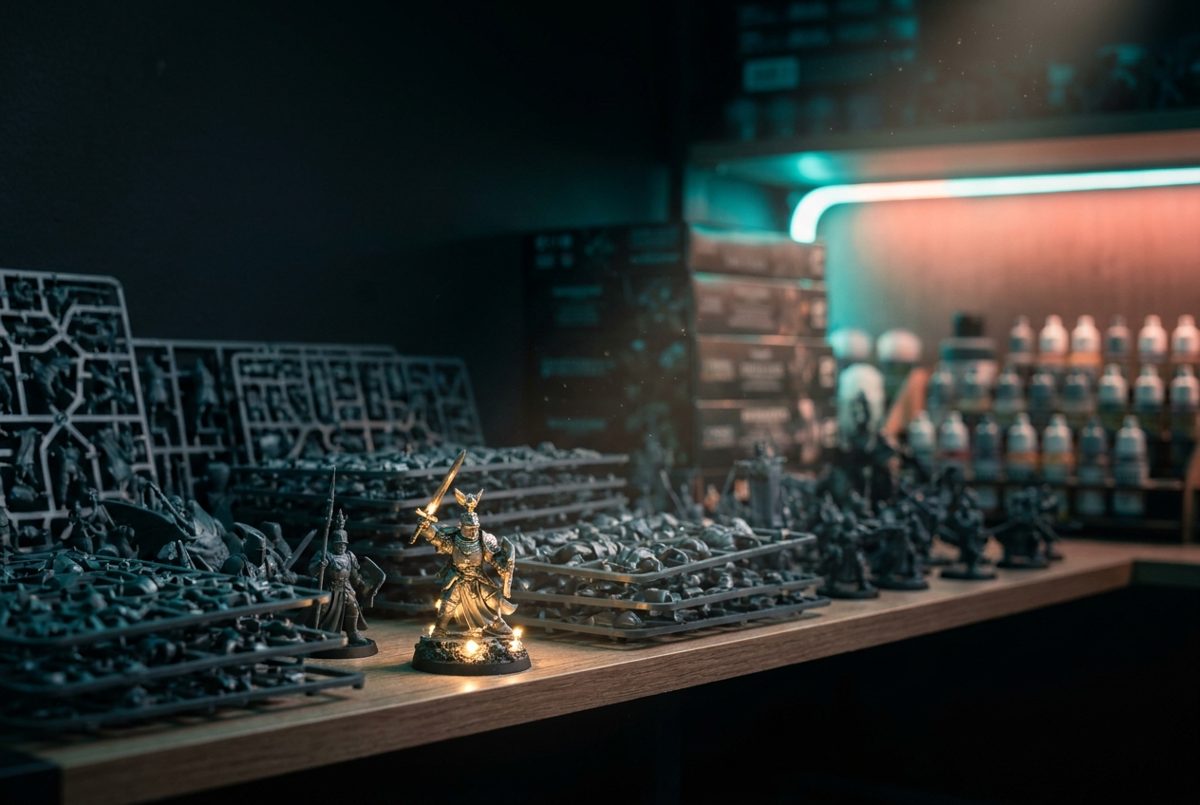
Choose a shelf, a storage box, or a few active projects. List each unit or model once. Record its name, model count, current stage, and where it is stored. If you cannot find the miniature when you have time to paint, the list is missing something practical.
Use stages you can recognise immediately: unbuilt, assembled, primed, basecoated, or finished. Avoid recording a precise percentage unless you have a consistent way to calculate it. Painting one face can take longer than covering a much larger base.
Choose by progress, effort, and interest
For each candidate, ask three questions: how close is it to a finish I would accept, what effort remains, and do I want to work on it? A nearly finished model can be a good choice, but not if every session with it feels like a chore.
MiniPaint AI’s backlog ranking uses progress, effort, model count, and excitement. It is a way to suggest a next project from the information you provide, not a guarantee of how quickly you will complete it. You still decide what goes on the desk.
Write the next action, not the whole ambition
“Finish the army” is difficult to start. “Basecoat the boots on three models” gives you something concrete to do. Name the surface, the action, and the number of models. If the action still feels too large, split it again.
| Vague task | A clearer next action |
|---|---|
| Paint the squad | Basecoat the armour on the first three models. |
| Finish the character | Tidy the cloak edges with the base colour. |
| Sort the paints | List the five paints needed for the current recipe. |
Try a short session with a stopping point
Set aside a few minutes to prepare the desk, a block for the chosen action, and time to clean up. Treat the schedule as your own experiment, not a productivity target. Leave room for paint to dry and for the small corrections that happen during real painting.
Before stopping, write a one-line handoff to yourself: what you finished, which paint you used, and what comes next. That note can make tomorrow’s start easier than relying on memory.
Review the queue without turning it into admin
After a few sessions, check whether your list is helping. Move a project out of the active queue if you are deliberately pausing it. Keep paused projects separate from the next few candidates so they do not compete for attention every time you open the list.
If you consistently underestimate batches, try fewer models per session. If you keep switching projects to find a missing colour, organise your paint inventory around your active recipe.
Use the app as your workbench record
In MiniPaint AI, add the project and its stage, review the next recommended pick, and keep recipe notes with the miniature. Record the session when you finish. The useful loop is simple: choose, paint, note what changed, and return with a next step.
For a technique that suits your chosen project, compare speedpainting and glazing. You do not need to optimise the entire hobby before enjoying the next model.