Meet your next project.
Give your backlog a home. Rank what’s waiting by progress, effort, and how excited you are to paint it.
A shelf with a sense of directionNow on the App Store for iPhone & iPad
The next project. The right colours. That last highlight.
Bring it all together in your own little painting studio.

Free to download. Requires iOS 26 or later.
MiniPaint Pro from $6.99/month, with a free trial.
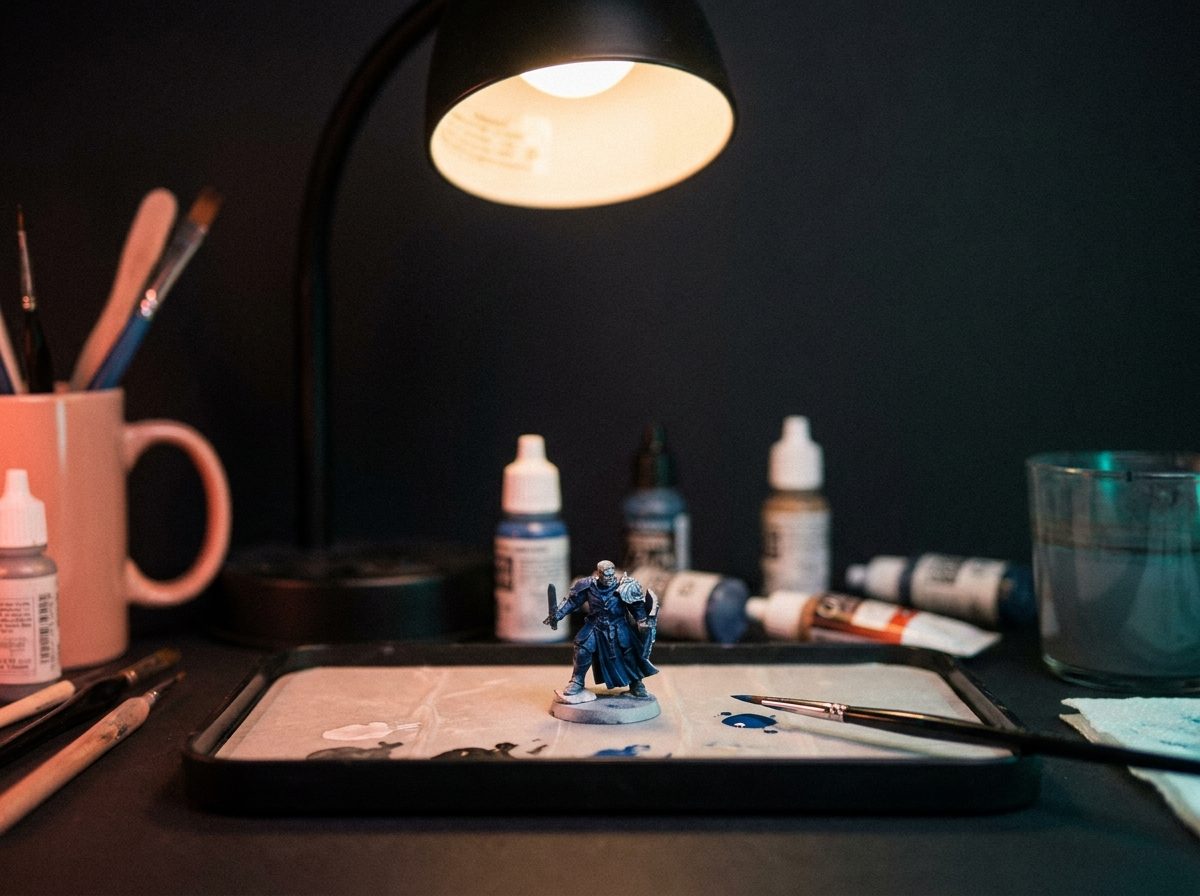
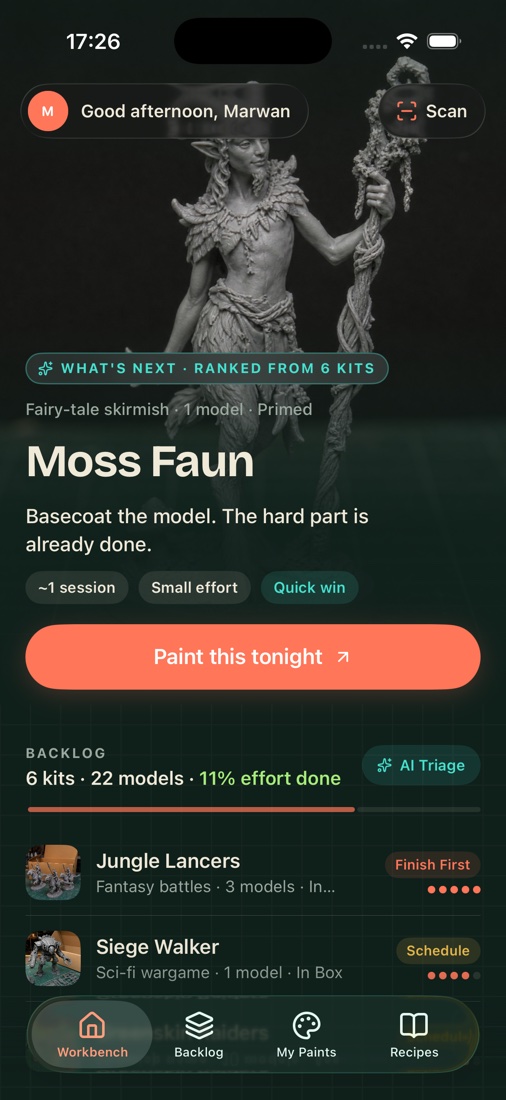
Opening another box is easy. Finishing what you love feels better. MiniPaint helps you find a place to start.
Give your backlog a home. Rank what’s waiting by progress, effort, and how excited you are to paint it.
A shelf with a sense of directionScan a miniature, explore its colour zones, and build a recipe with paint matches from your favourite ranges.
From inspiration to a paint recipeKeep your next step close in Desk Mode. Log your painting time and watch those small sessions add up.
One brushstroke closerDeep blue armour? Weathered iron? Something a little greener? Explore a shadow-to-highlight recipe before the first brushstroke.
In the app, keep track of the paints you own and find close matches across brands.
Meet your Palette LabExample recipes, approximate screen colours. Your light, primer, and finish make a difference.
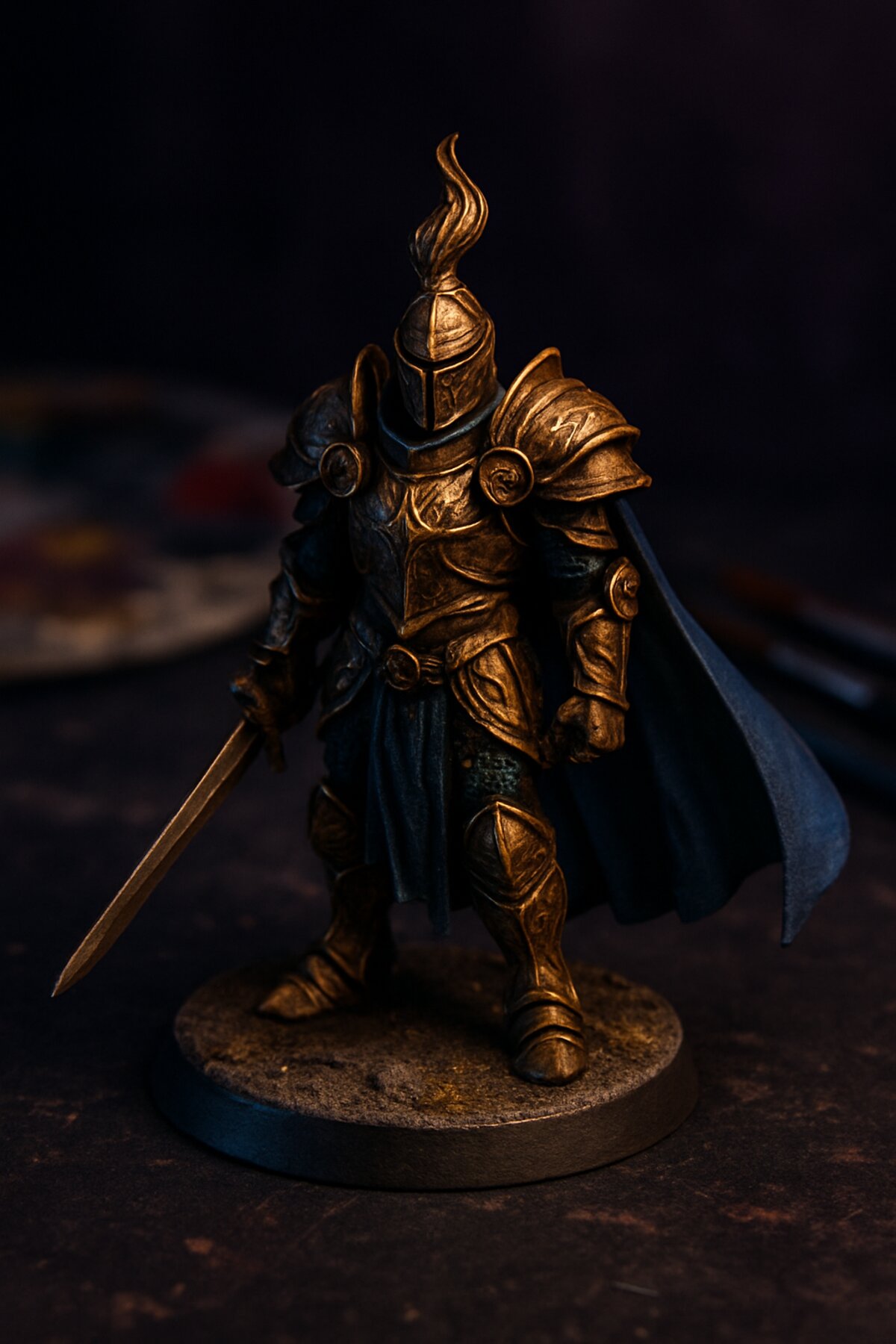
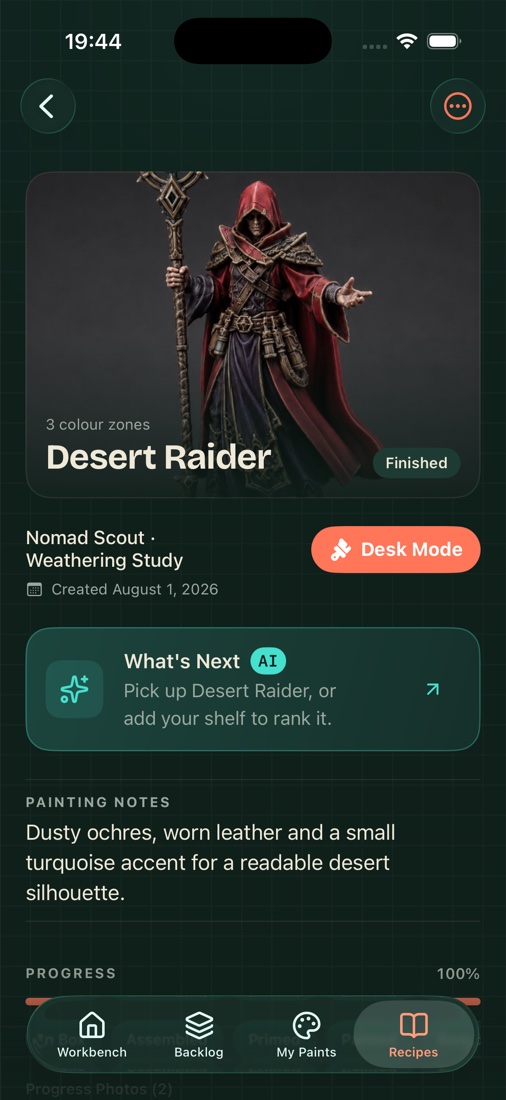
That recipe you finally got right. The paints at the back of the drawer. The project you promised you’d finish. Keep them together.
Keep your steps and painting notes with each project.
Catalogue your paints and explore close colour matches.
Track sessions, project progress, and your painting streak.
Start free with up to 10 backlog entries, your next recommended project, and 3 colour scans a day. Local colour scans work without an account; cloud AI analysis requires Sign in with Apple.
$6.99 / month
A little space to see where the hobby takes you.
$34.99 / year
More evenings at the desk. Less spent each month.
$79.99 once
For the hobby that’s here to stay.
Prices in US dollars; your local price, billing period and offer eligibility are shown in the app and confirmed by the App Store before purchase. Monthly and yearly plans renew automatically unless cancelled at least 24 hours before renewal. Manage subscriptions in your Apple account settings. Restore purchases in the app.
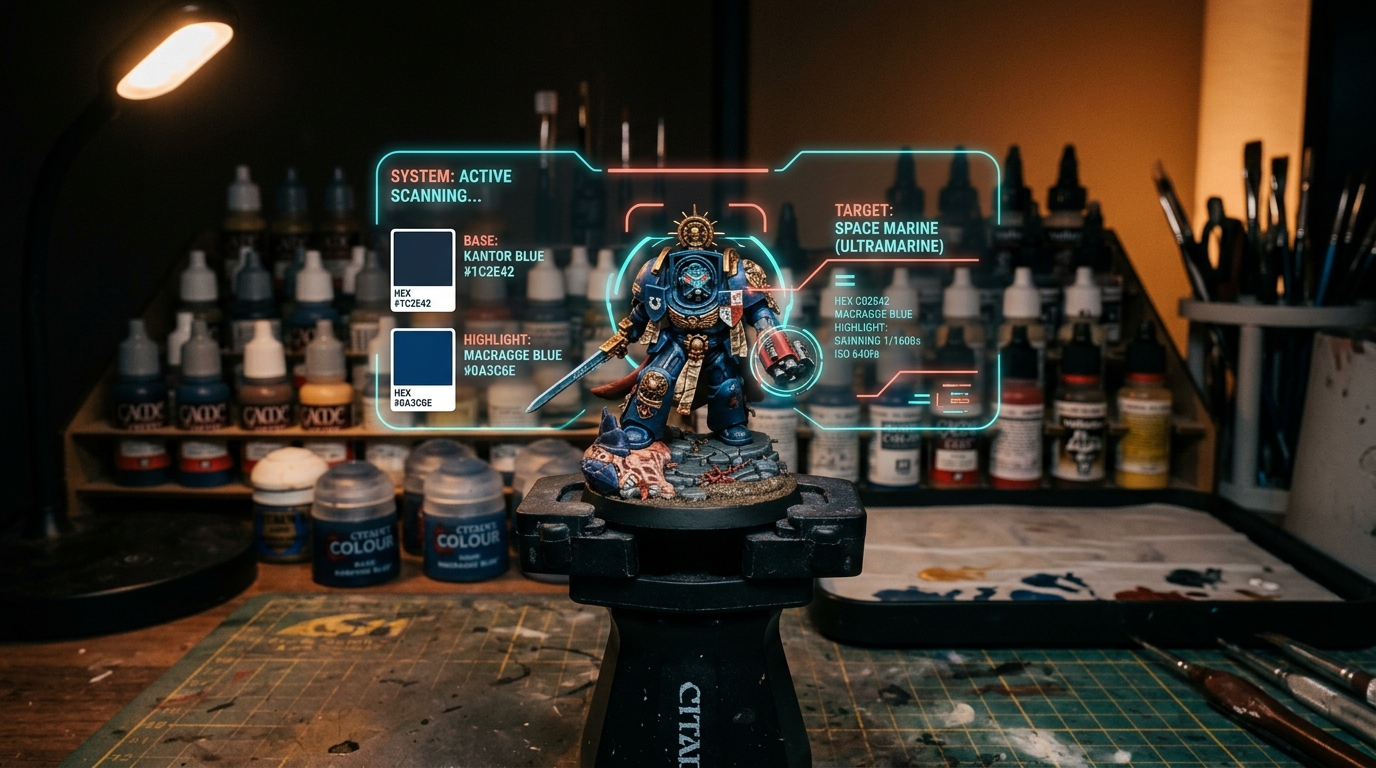
A practical blue armour recipe, with thinning checks and controlled highlights.
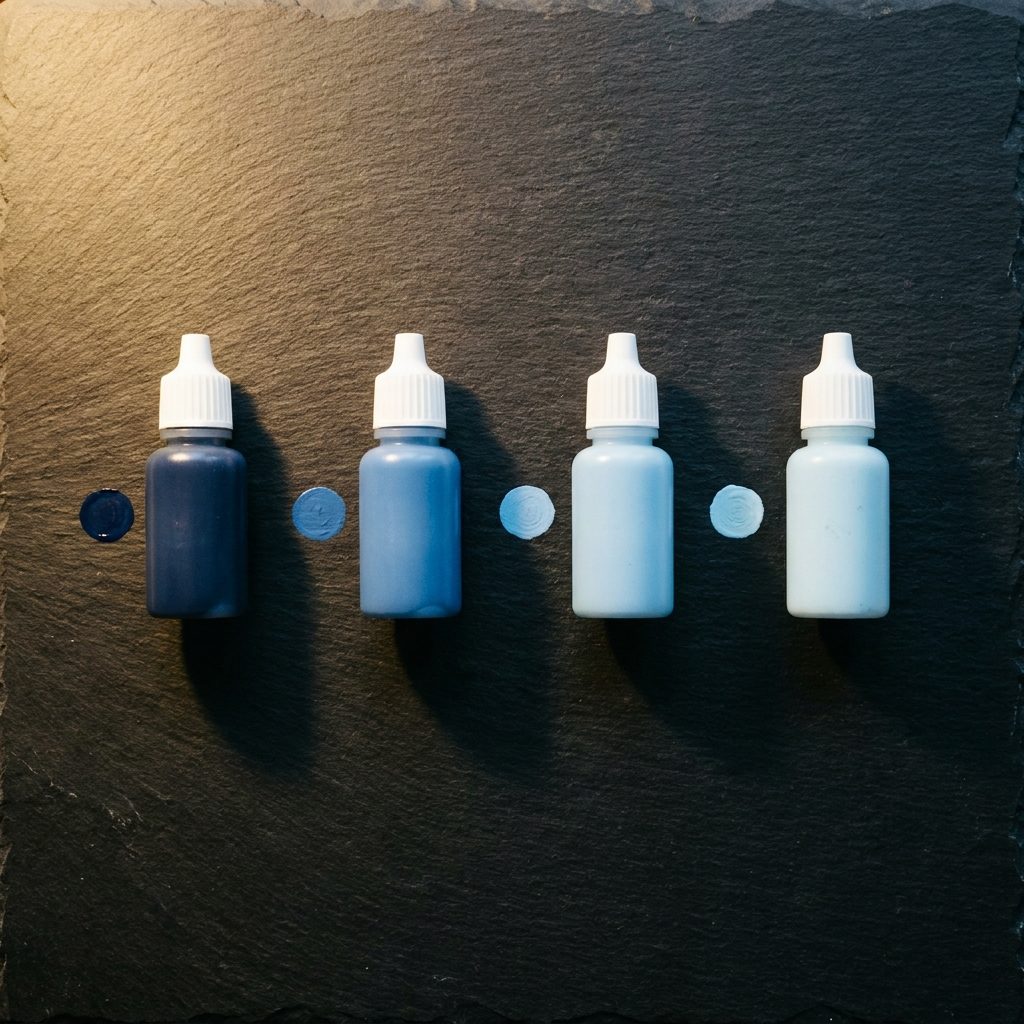
Manufacturer-listed paint alternatives and a dried-swatch comparison method.
Speedpainting and glazing, and when to use each.
Yes. Start with up to 10 backlog entries, one recommended next project, and 3 colour scans per day. You can organise your workbench and extract colours locally without an account. Sign in with Apple to use cloud AI analysis.
Explore colour matches from Citadel, Vallejo, The Army Painter, and AK Interactive. Screen colours are a guide: lighting, primer, application, and finish can change the result on your miniature.
Signed-out colour extraction stays on your device. When signed in with Apple, tapping Analyse colours sends a downscaled photo through our server to OpenAI for colour detection. We do not store the scan image. Progress photos attached to projects stay on your device. Full details are in the Privacy Policy below.
Yes. MiniPaint AI is designed for both. With Pro and a signed-in account, your recipes, backlog, and paint inventory can sync between your devices.
Open Profile, then Cloud > Delete account or Privacy & data in the app. You can delete your account and cloud records there, and clear local data from Privacy & data.
Your next masterpiece
starts with one small step.